

i’ve always been a fan of the ui design in the persona series specifically the persona 3 reload and persona 5 games. i really loved the pause screen in persona 3 reload, since there was just so many cool animations going on at the same time. i thought, “hey i could probably do that in svelte”, so here we are.
you can check out the final result here!
the website is made with svelte/sveltekit, tailwindcss, and animejs for the animations.
assets
i did NOT want to render the actual makoto 3d model in the browser, so i just found a looping video of the background on the official persona 3 reload website.
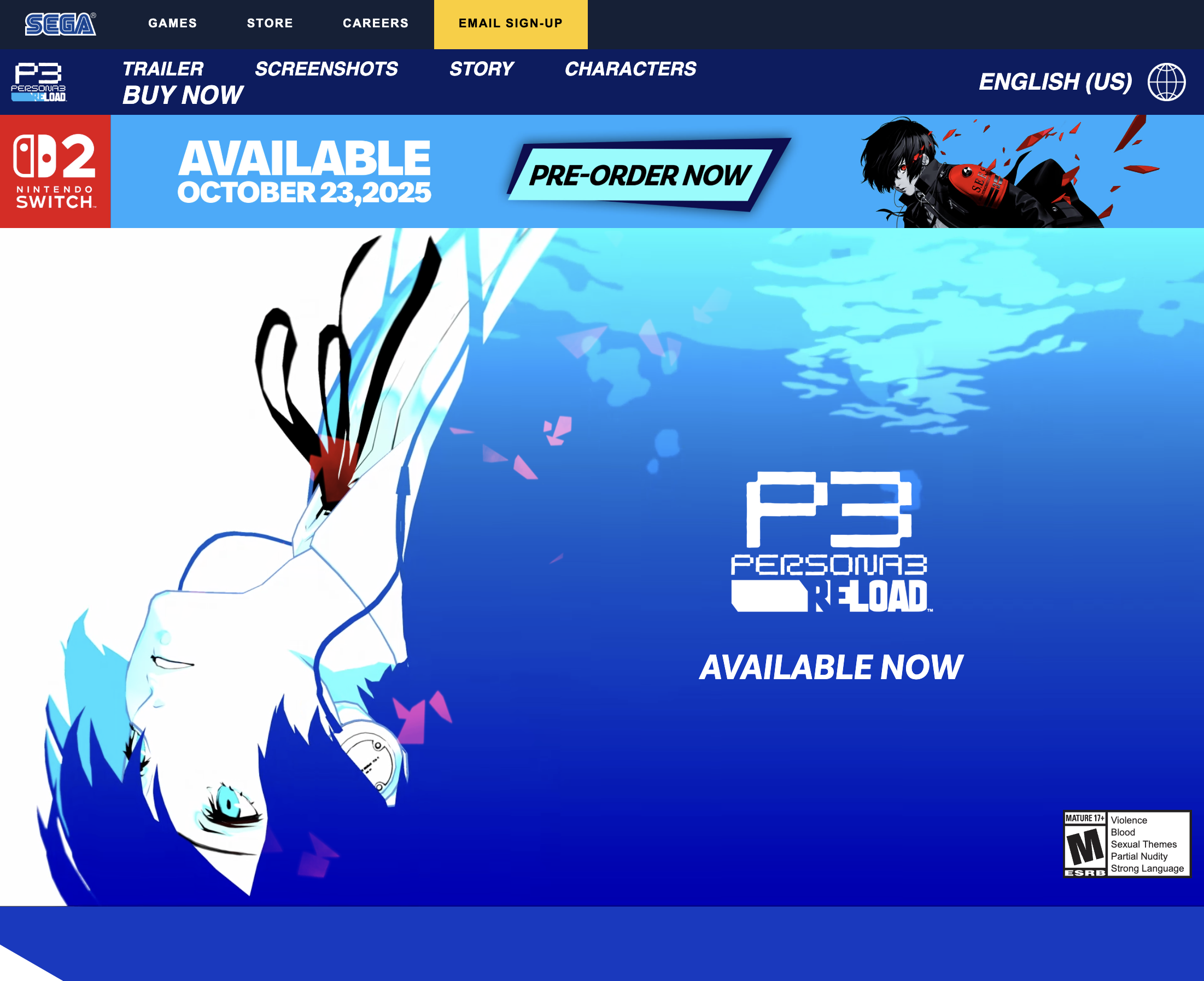
i was so glad they had the background
for the fonts, i found a cool website that had (almost) all the fonts that are used in persona 3 reload, along with the download links. i found the sound effects on this website.
elements
the ui is split into 3 main parts:
- the menu options in the center
- the controls and description on the bottom-right
- the huge text on the side
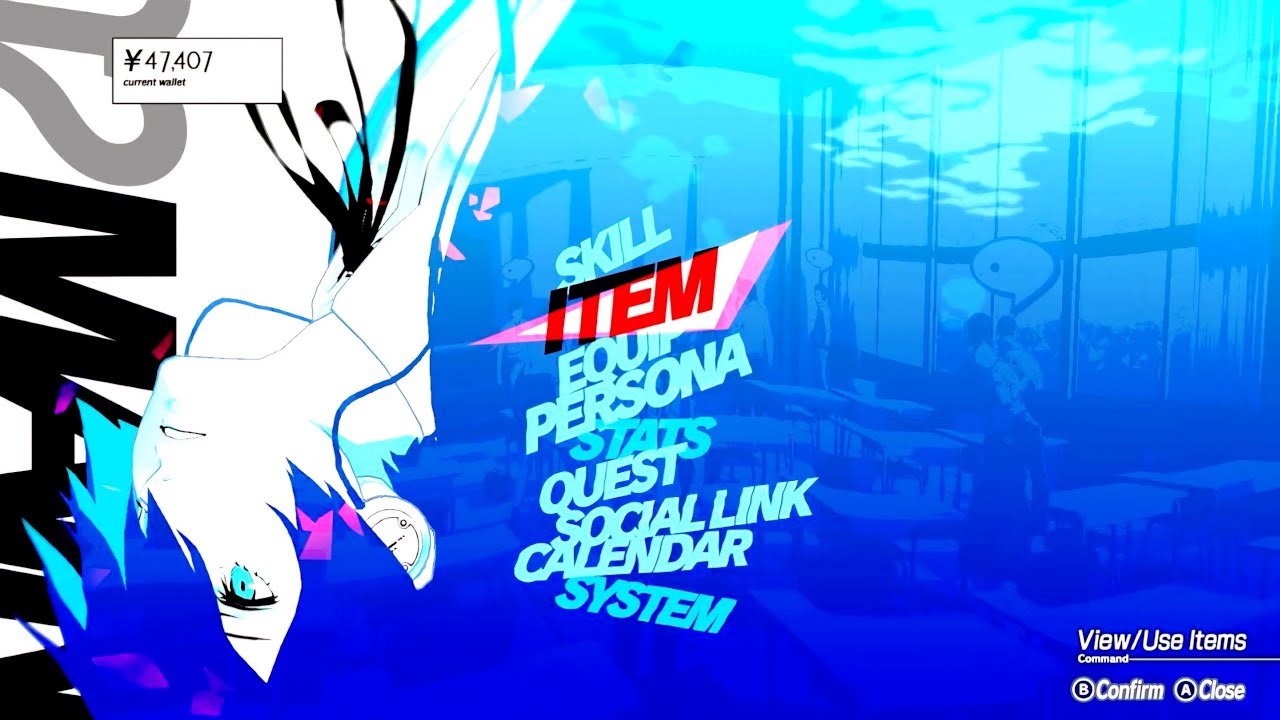
this is the actual pause menu in-game
pause menu options
first, display the options in a column, and color each option with one of three colors. also italicize the text so they’re slanted.
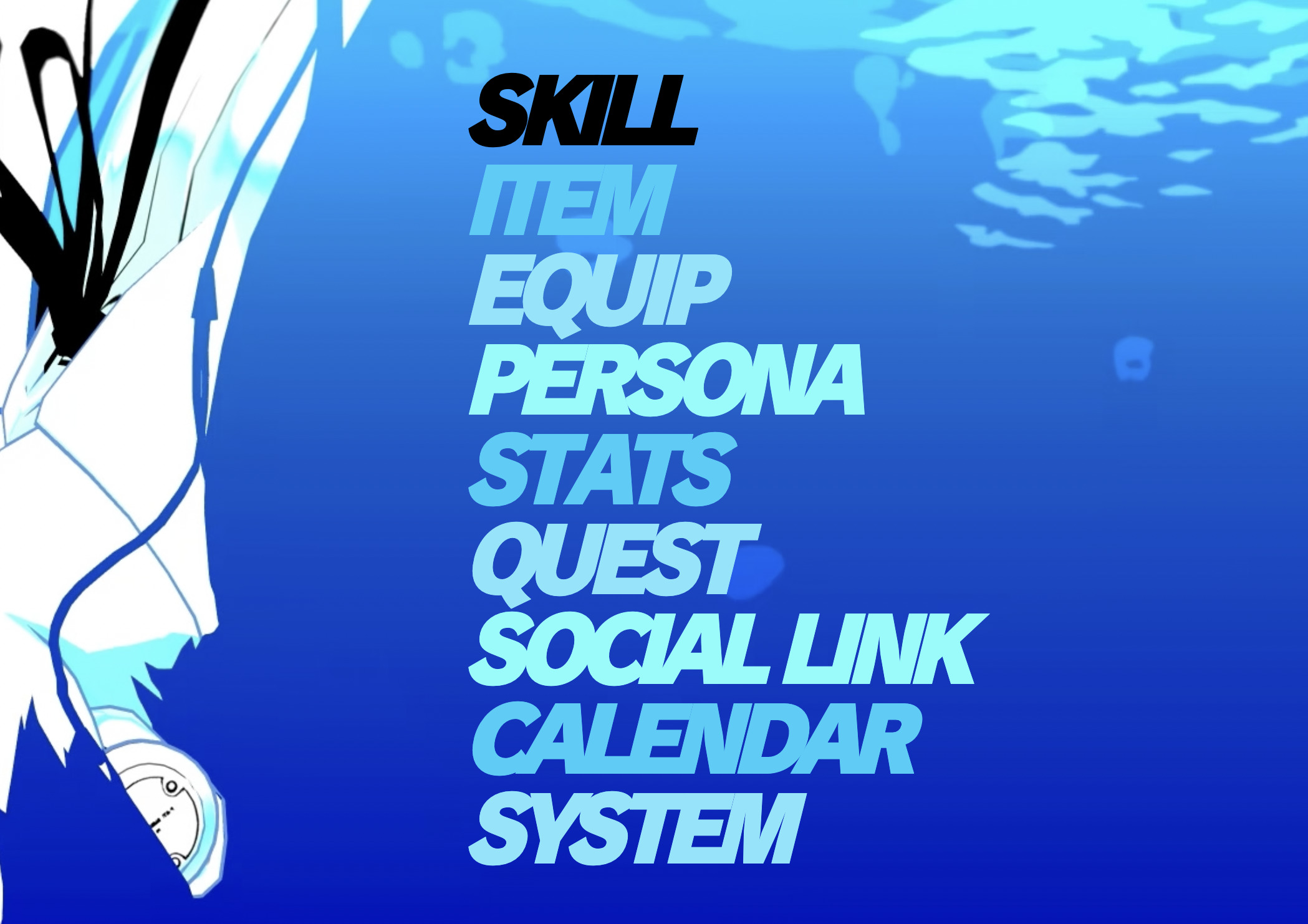
the colors are #16cffb, #7de6fd, and #77fefc
next, rotate each option by a random amount so they’re crooked, and also offset each option a bit to the left and vertically, so they kinda overlap a bit
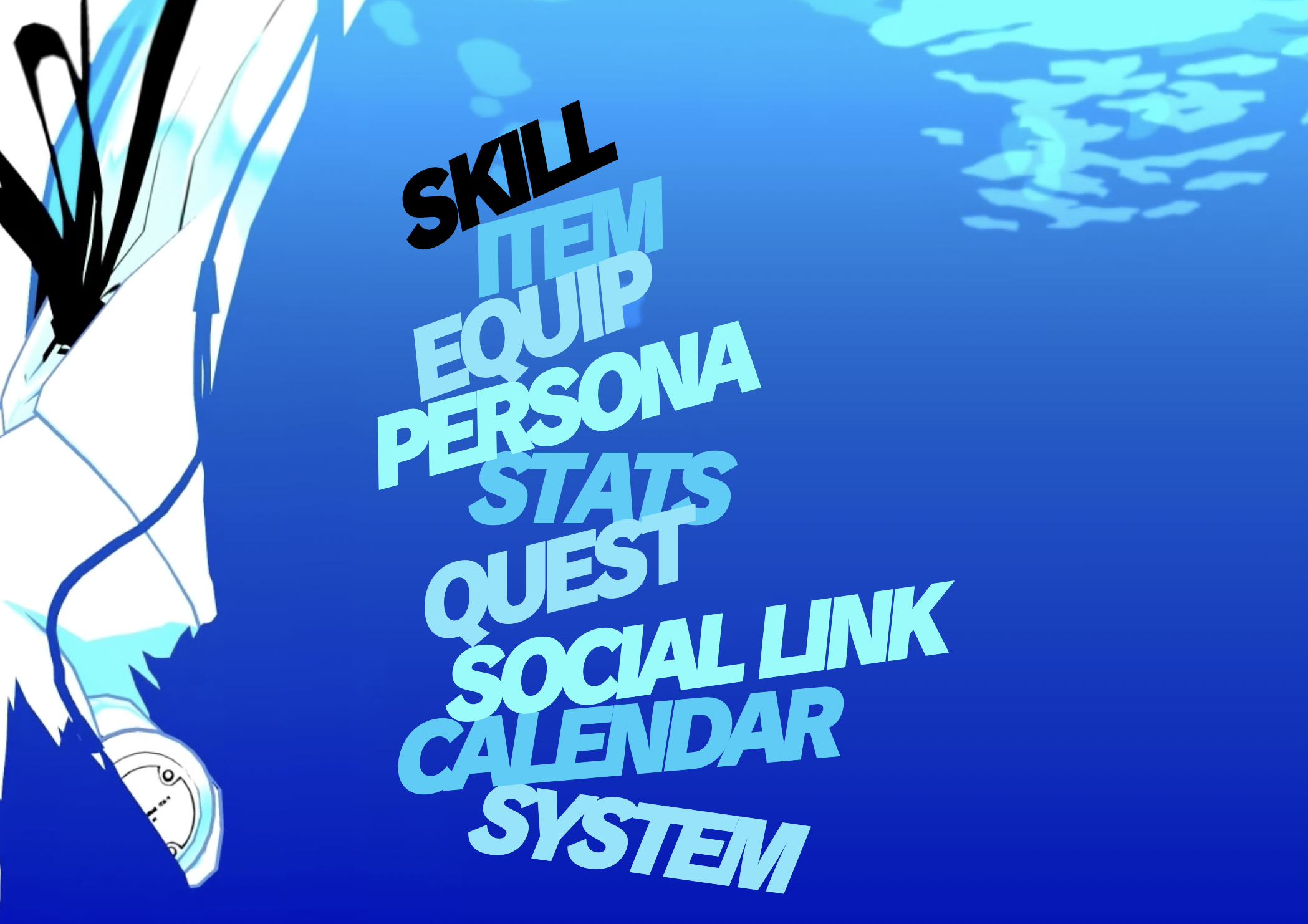
i pretty much just copied the same offsets as the original one
then, animate the options so that they pop out when you hover over them, i used animejs for this and all the other animations
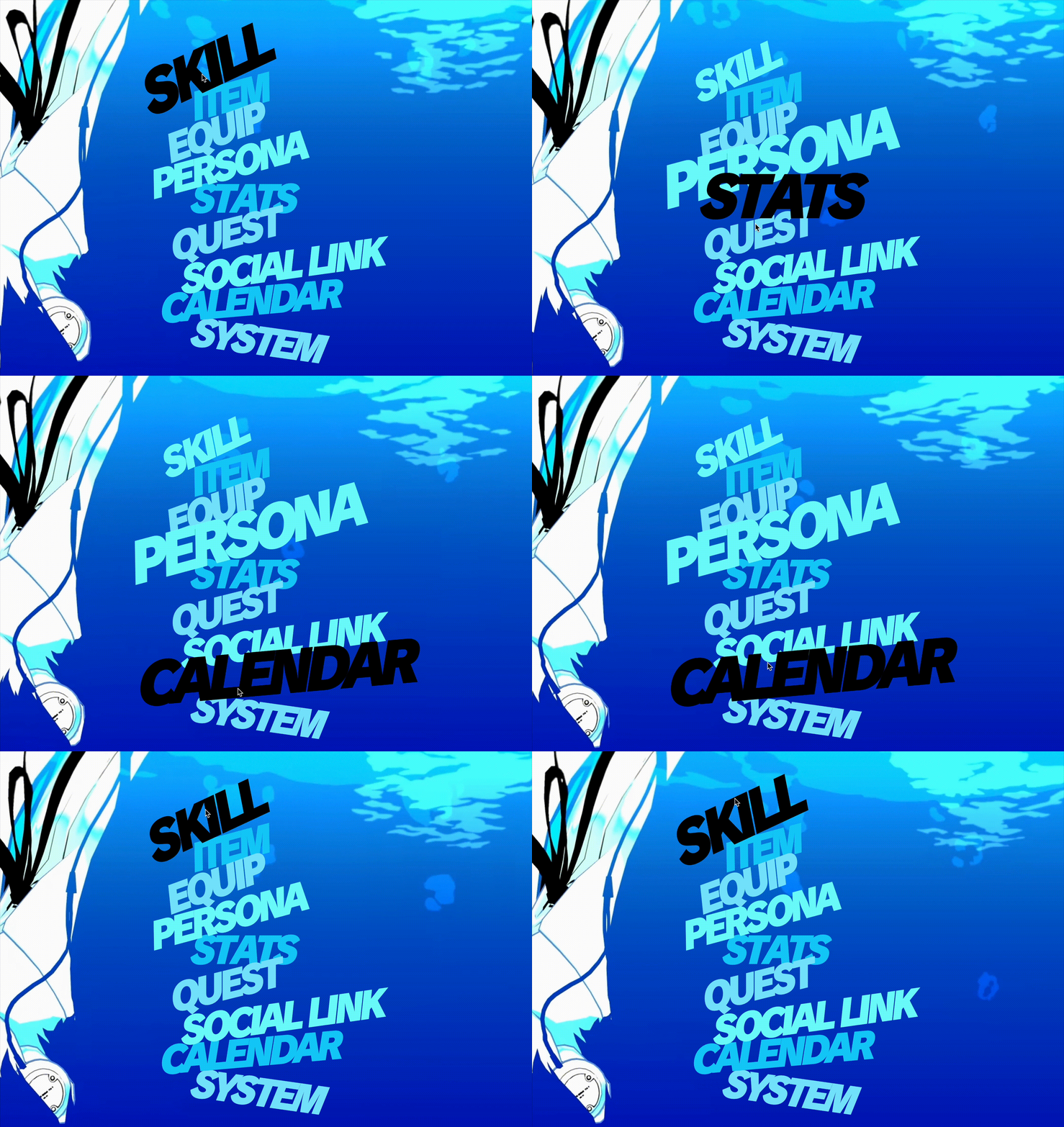
now we get to the hard part, the menu selector. first, add a white and pink background behind the option, and animate the pink one so it pulses.
finally, the most difficult part of the options is getting the overlapping bits of the background and text to turn red. i used a svg mask to mask a duplicate red version of the text layerd on top of the original black text.
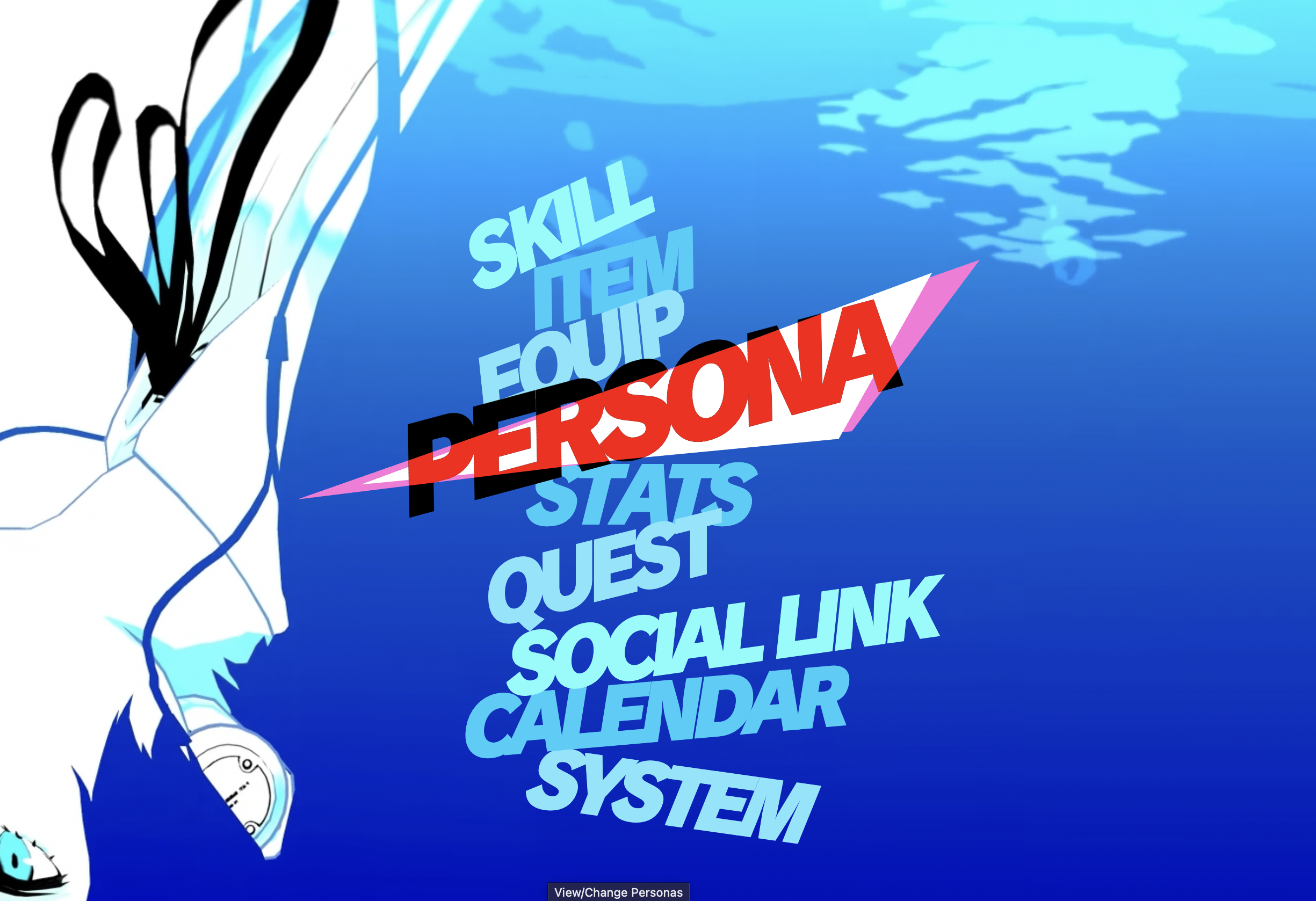
and you’re done!
bottom-right controls
the bottom right controls are pretty self-explanatory, there isn’t anything weird going on with the layouting. one issue i had was getting the gray outline on the text to look good. the typical way to do text outlines in css is to use 4 text-shadows to simulate an outline, but it looked kinda bad so i just had 8 text-shadows instead.
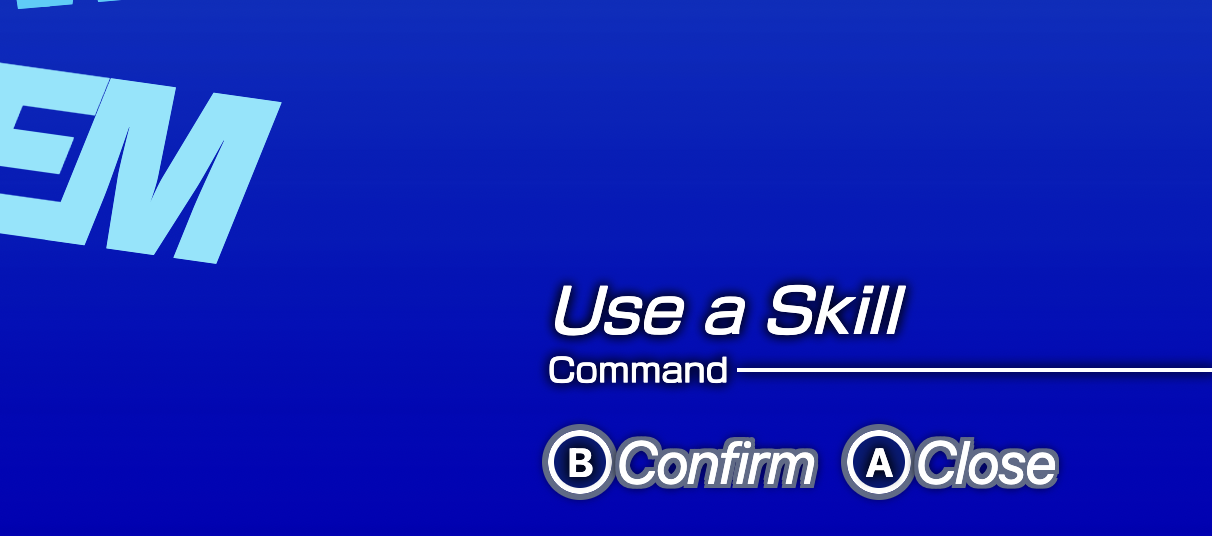
the font for the buttons aren't actually the right font, but no one will know
huge text
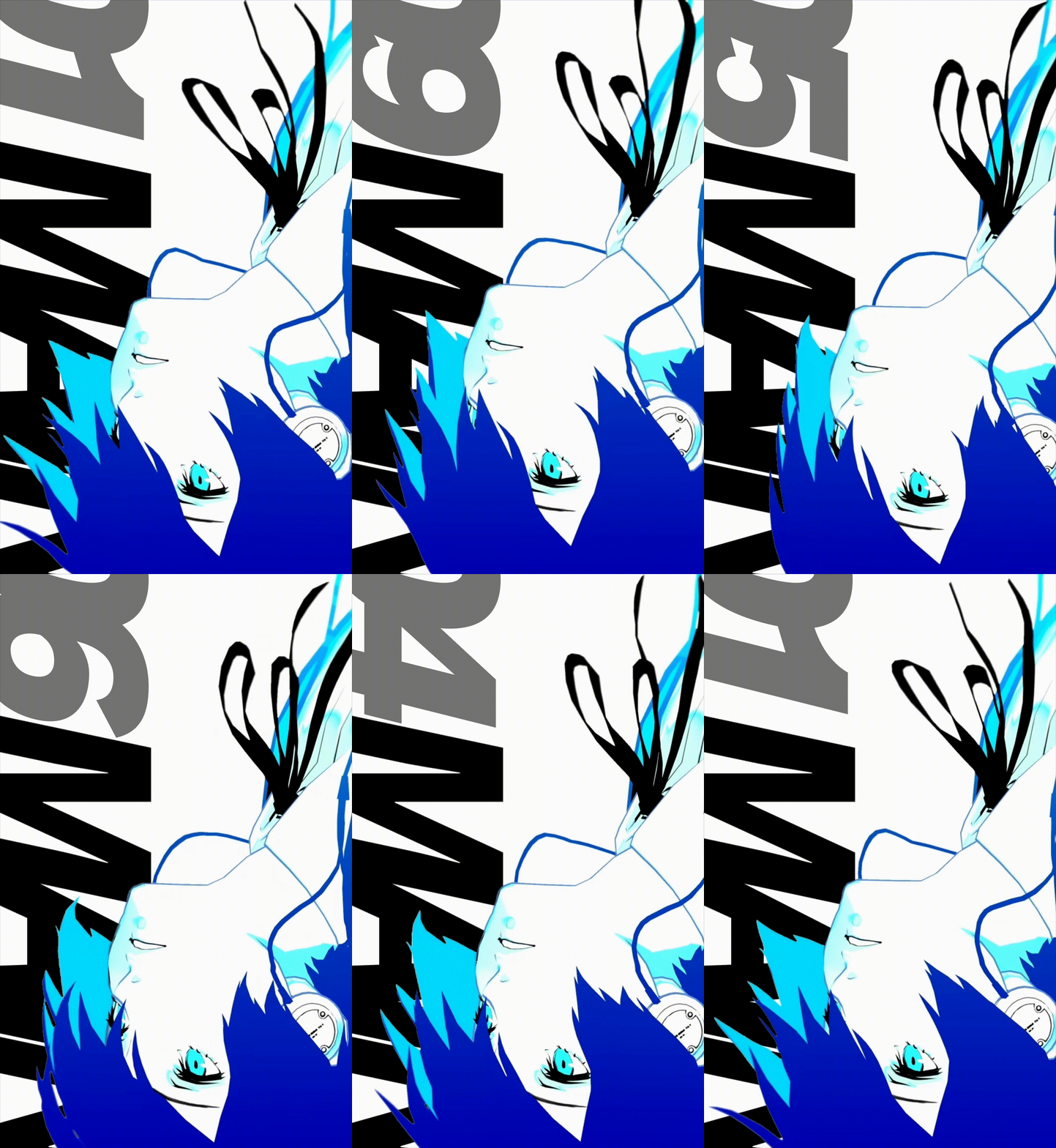
AHHH THIS WAS SO ANNOYING TO DO!! since the looping background video i stole from the official website has a white background, putting text behind makoto’s head is NOT an easy task. these are some of the solutions i thought of doing:
- manually opening up persona 3 reload and screen recording the pause menu, then somehow edit out the text
- make the white background a transparent background
- add the black text in a video editor, then import that video instead
i opted to go for the last method, since i already tried the other 2 and they did not work 😭. i booted up davinci resolve and tried to remove the white background, but it was actually much harder than i thought it was going to be. eventually i got it to work by manually adjusting the keyframes of a polygon luma keyer.
and that’s all! i had so much fun making this thing!